 小任班长的博客
 阿里药品、非药品追溯码在线查询 日常用药更放心 附官网地址
“码上放心”追溯平台是一个第三方追溯和数字服务平台,拥有全行业兼容的数据标准、全程追溯的解决方案、最先进的互联网品牌和营销手段及覆盖面最广的会员体系。基于多年积累,结合阿里集团系统安全经验,遵循国家信息安全相关标准,提供性能稳定、安全、可靠、开放的全方位服务。
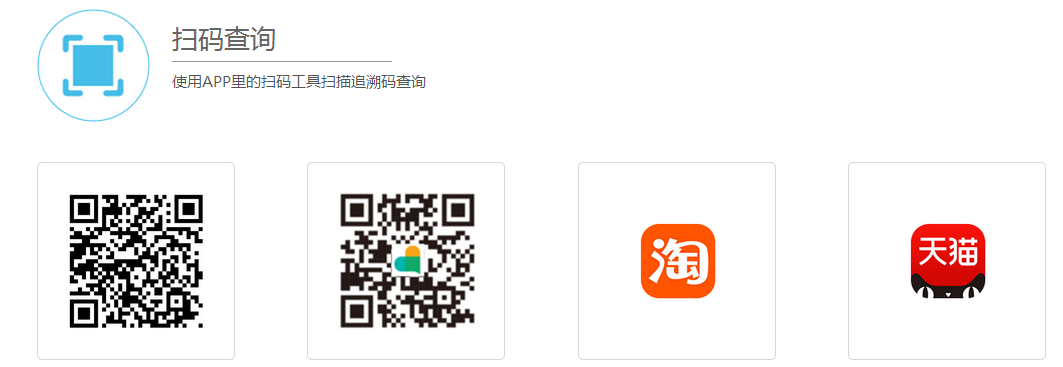
“码上放心”追溯平台是一个第三方追溯和数字服务平台,拥有全行业兼容的数据标准、全程追溯的解决方案、最先进的互联网品牌和营销手段及覆盖面最广的会员体系。基于多年积累,结合阿里集团系统安全经验,遵循国家信息安全相关标准,提供性能稳定、安全、可靠、开放的全方位服务。
HUAWEI AppGallery
AppGallery is HUAWEI's official app distribution platform. You can use AppGallery on your HUAWEI mobile device to search, download, manage, and share mobile apps. AppGallery features a four-layer detection mechanism to ensure that apps featured on the platform are safe to download and use. All kinds of useful and fun apps are available for download through AppGallery.
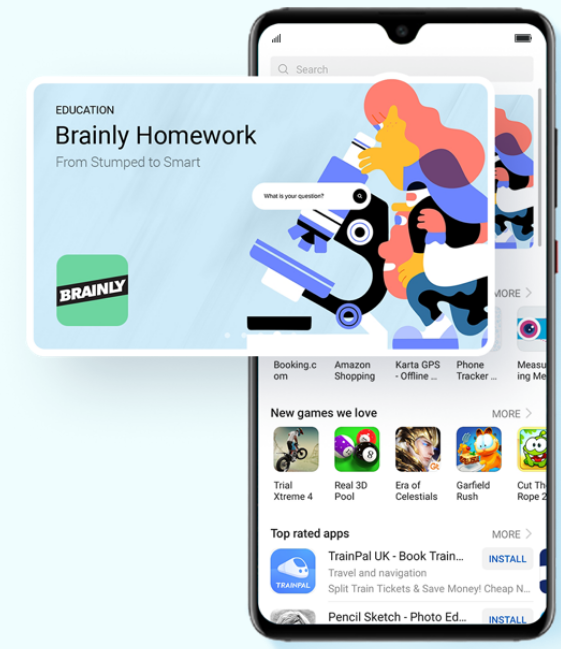
Exclusive Four-layer Detection
Privacy Check, Security Vulnerabilities
Scanning, Malicious Behavior Detection
and manual Real-name Security Check
Boutique
HUAWEI AppGallery assemble professional editors around
the world and expose your application in various ways.
Intelligent
Roaming Services
Help HUAWEI users find local popular apps the first time.
Wishlist
We will try our best to find the apps you want.
Gifts
Vouchers, discount coupons, VIP privileges……Those exclusive services are only for HUAWEI users.
健康四大基石:合理膳食、适量运动、戒烟限酒、心理平衡
更多养生专题>>
Tampermonkey 是一款免费的浏览器扩展和最为流行的用户脚本管理器,它适用于 Chrome, Microsoft Edge, Safari, Opera Next, 和 Firefox。
它可以让百度云里面的文件以满速下载。
官方下载地址:http://www.tampermonkey.net
将下载好的ctx文件 拖拽到浏览器安装即可。
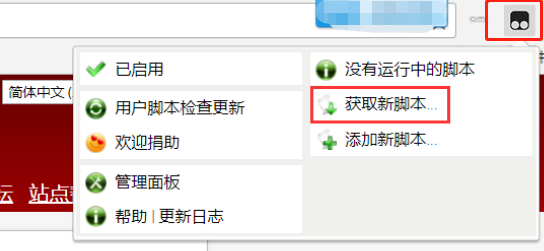
点击插件,选择“获取新脚本”
进入GreasyFork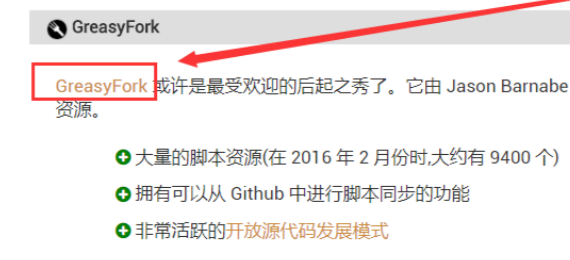
搜索百度
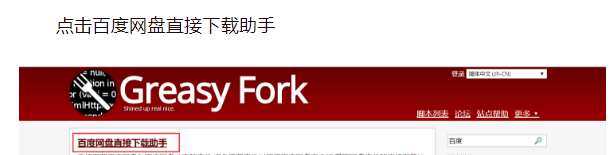
安装脚本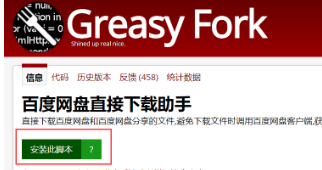
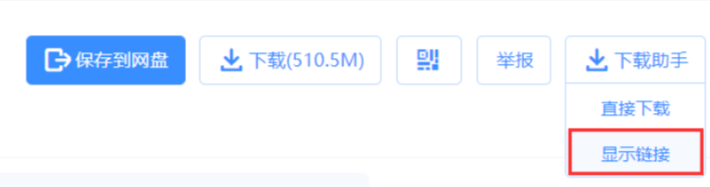
打开百度云文件页面,右键点击地址进入迅雷页面就可以进行满速下载、
小爱同学官方微博宣布小爱同学3.0开启内测招募,新版本的小爱同学采用了全新设计,可以连续对话。
据介绍,小爱同学采用3.0全新设计,支持连续对话(全双工)。将来只需唤醒一次小爱同学,就可连续对话,首批招募10000名内测体验官,想要体验的小伙伴可以根据下图中的方法进行报名。